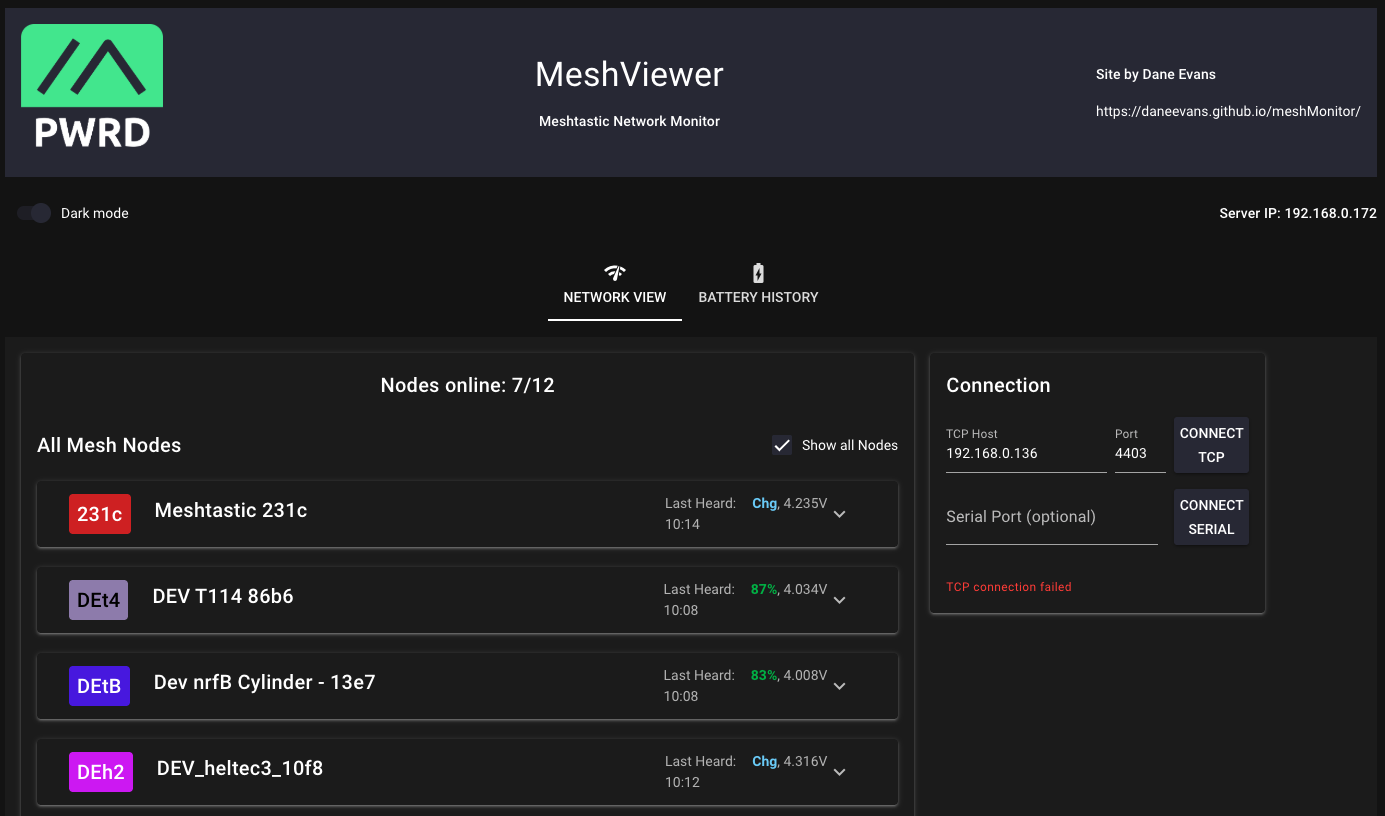
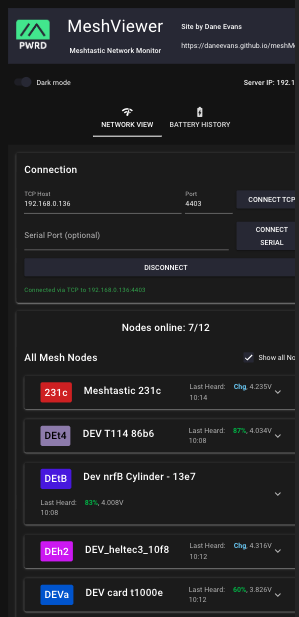
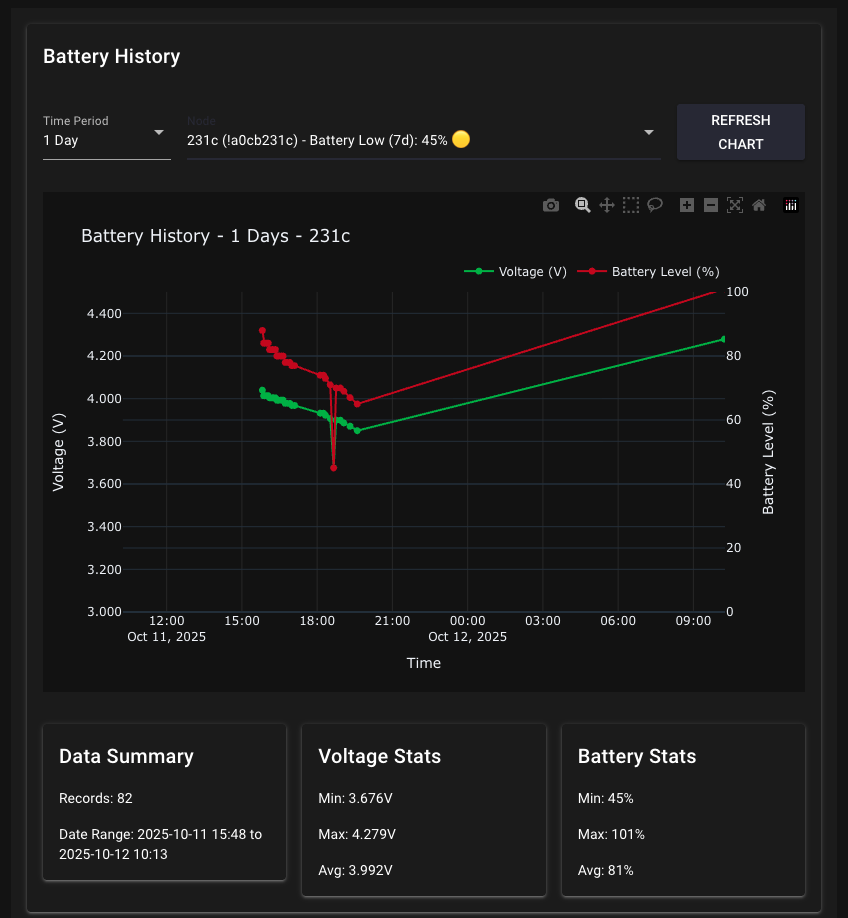
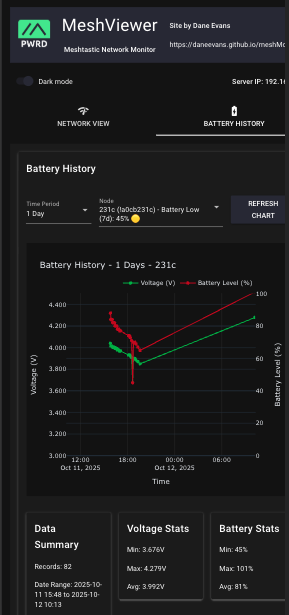
MeshMonitor is a comprehensive Meshtastic network monitoring application designed to give you an ‘at a glance’ overview of your mesh network, with particular focus on nodes that you administer.
It is built using NiceGUI for the web interface and the Meshtastic python library for network communication.
| Desktop | Mobile | |
|---|---|---|
| Front Page | MeshMonitor Desktop Front Page | MeshMonitor Desktop Front Page |
| Front Page | MeshMonitor Desktop Front Page | MeshMonitor Desktop Front Page |
data/ directoryMeshViewer can be run from a Raspberry Pi Zero, desktop computer, or any system with Python support. It communicates with nodes via either serial or TCP connections and is designed for continuous operation to provide comprehensive logging and analysis of mesh network health.
python main.pyhttp://localhost:8080# Basic usage
python main.py
# With custom config
python main.py --config path/to/your_config.yaml
# Custom host/port
python main.py --host 127.0.0.1 --port 8081 --no-browser
# One-shot status report
python -m src.meshviewer.cli --mode oneshot

# Continuous monitoring
python -m src.meshviewer.cli --mode continuous --interval 30

# With custom connection settings
python -m src.meshviewer.cli --tcp-host 192.168.1.100 --tcp-port 4403
192.168.0.135 (configurable)4403http://localhost:8080Security Note: This application is designed for hobbyist use on trusted networks. It is not intended for production or public-facing deployments.
Complete installation guide including system requirements, troubleshooting, and first-time setup.
Detailed configuration options for themes, UI text, connection settings, and customization.
Command-line interface documentation with all options and usage examples.
MeshMonitor automatically stores node data in the data/ directory:
data/node_data.csv - Structured data for analysisdata/node_data.json - Complete node snapshots with timestampsYou can manually back up or restore the data storage files, or transfer them between machines as needed. This allows for long-term network logging. Please note that you are responsible for your own data management and backups.
Currently, there are no built-in limits on log file size. If you are monitoring a large network or have limited storage capacity, it is recommended to set up a cron job or similar process to periodically clean up or archive the log files.